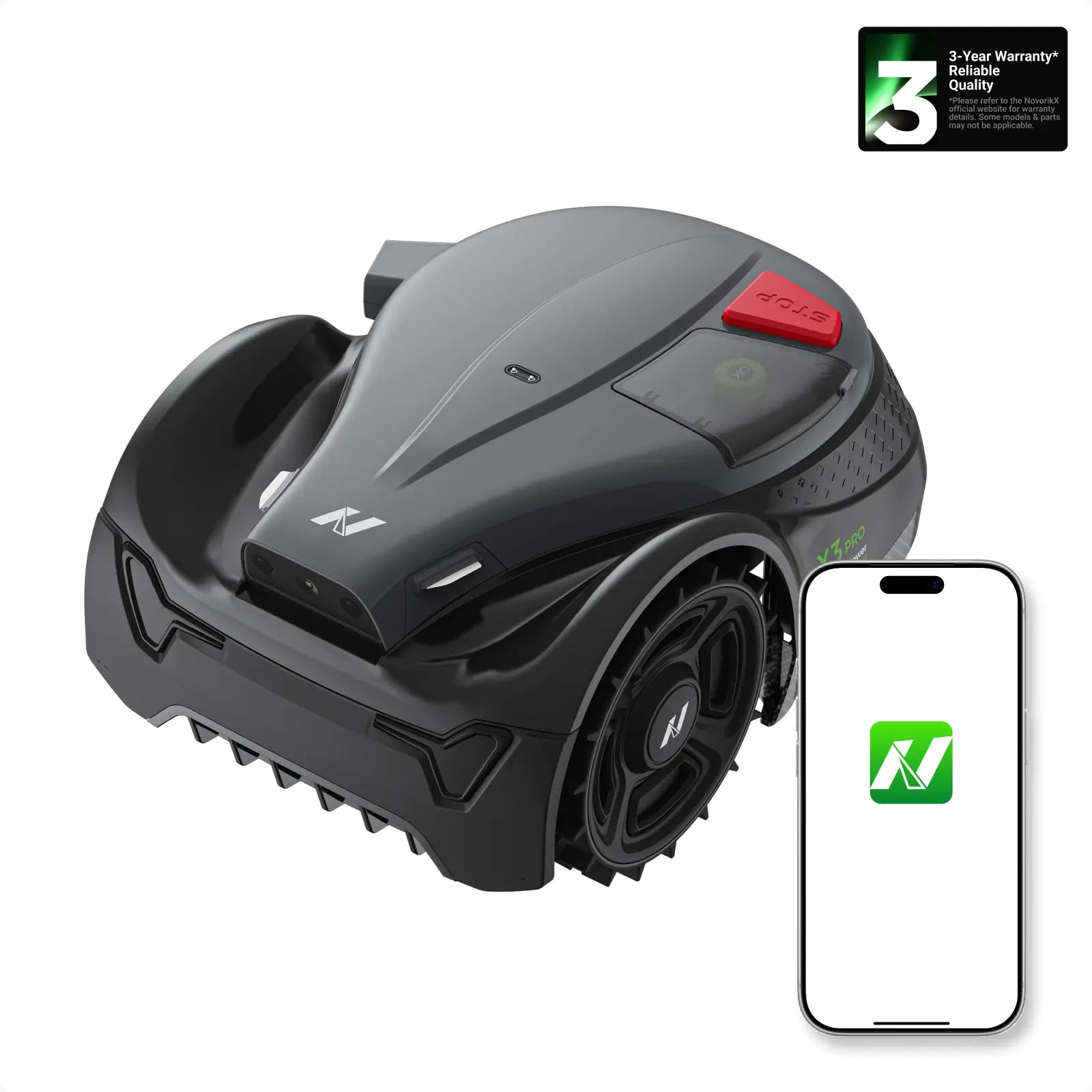
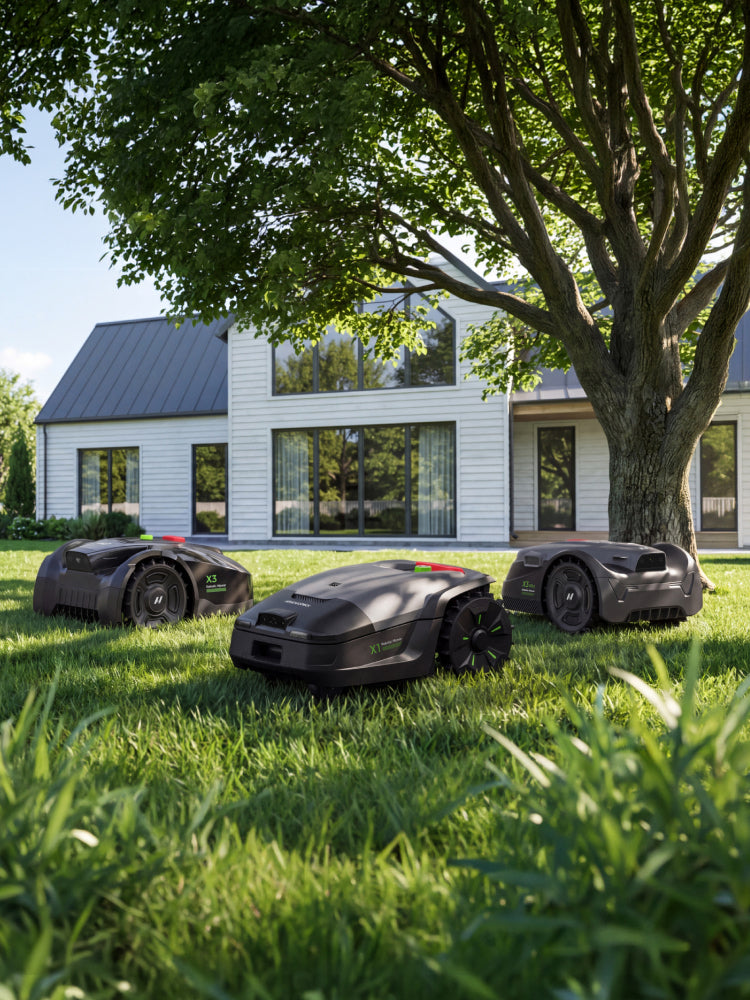

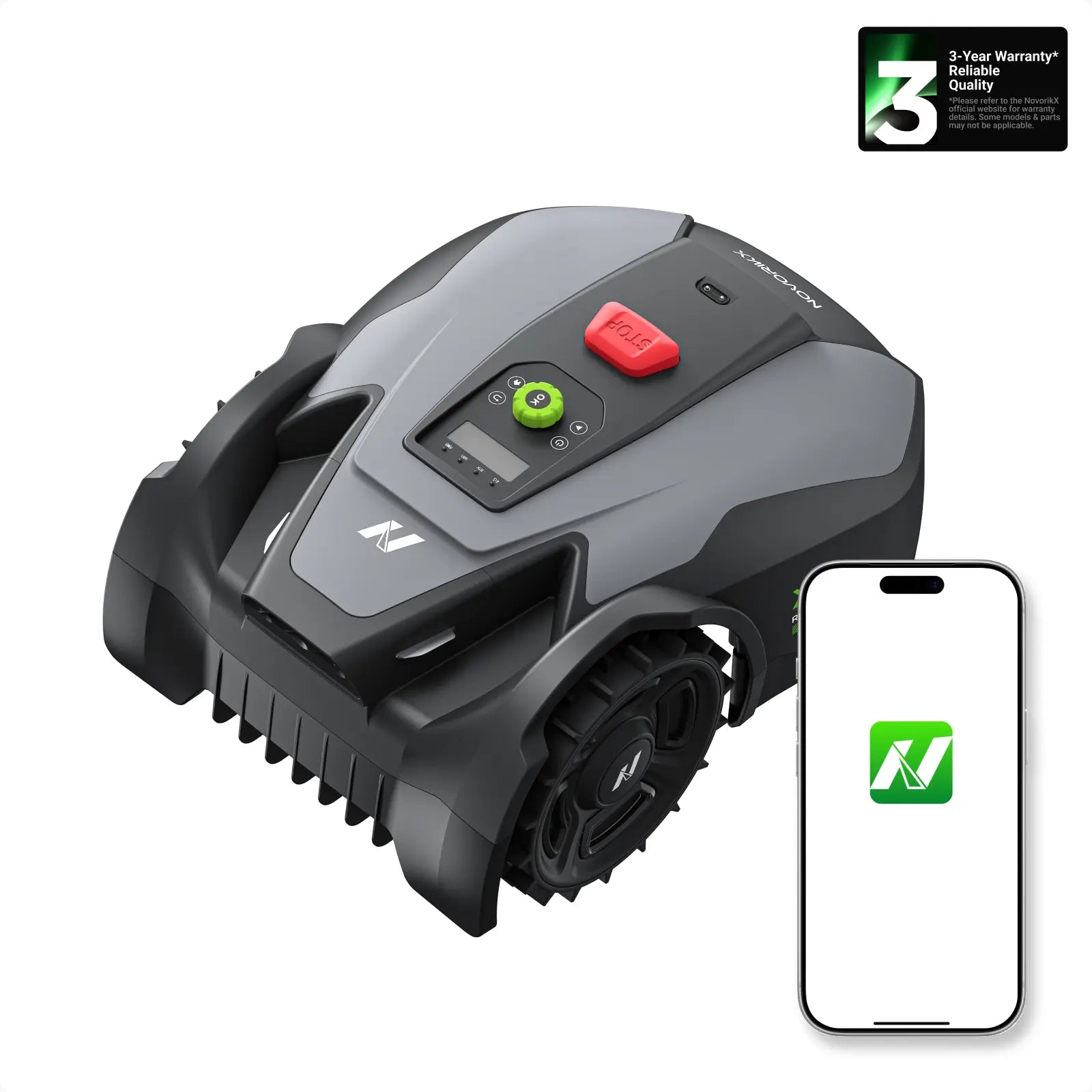
NovorikX X3 Robotic Lawn Mower
Smart, efficient mowing for smaller yards. 800㎡ coverage. RTK + AI vision. Up to 20 zones.
800㎡ / 0.2 acre · 7.1-inch disc @ 2,800 RPM · 35% climbing · up to 20 zones
Free US shipping · Arrives in 3–7 business days · 30-day returns · Up to 3-year warranty
Bundle add-onsat up to 37% OFF


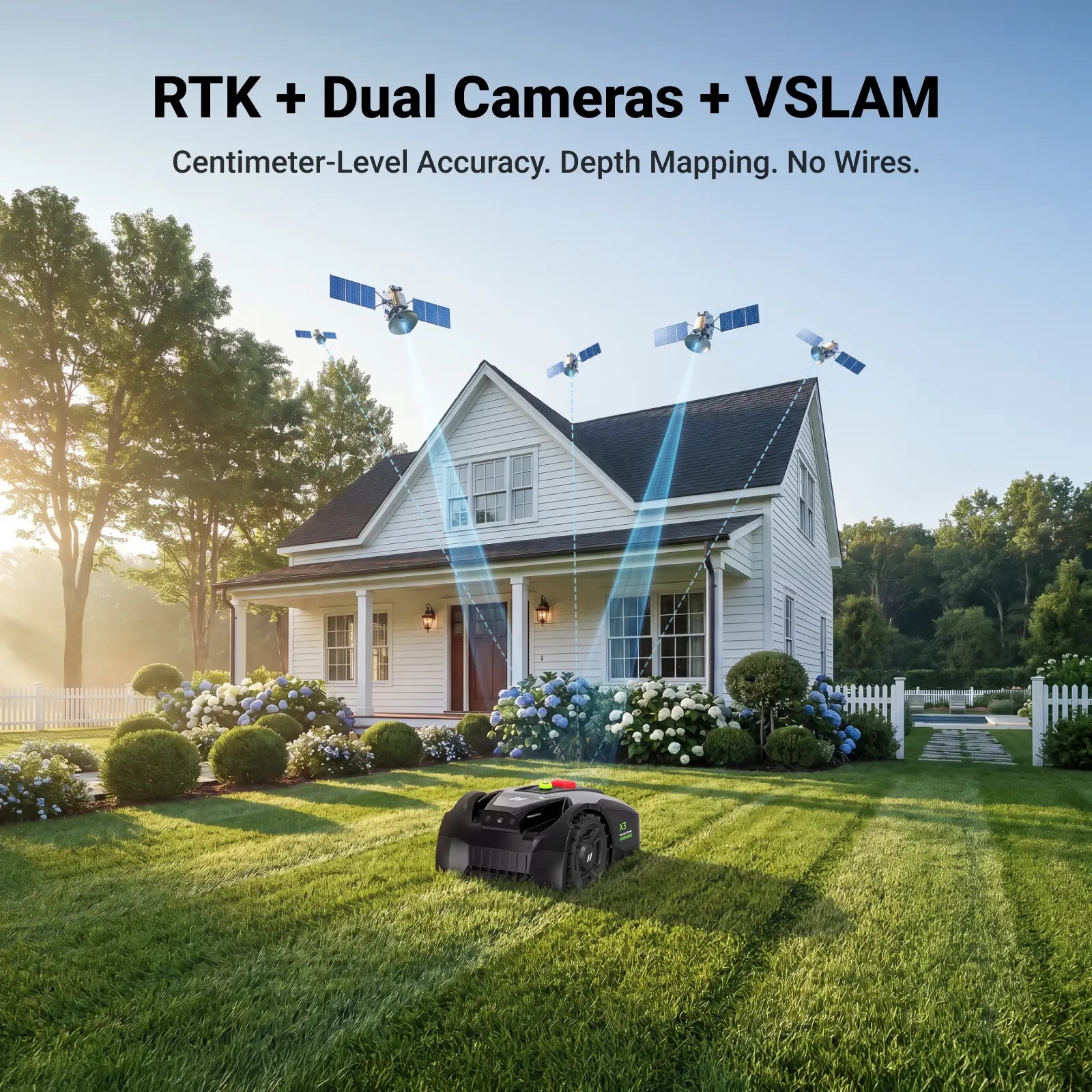
RTK & AI Vision Technology
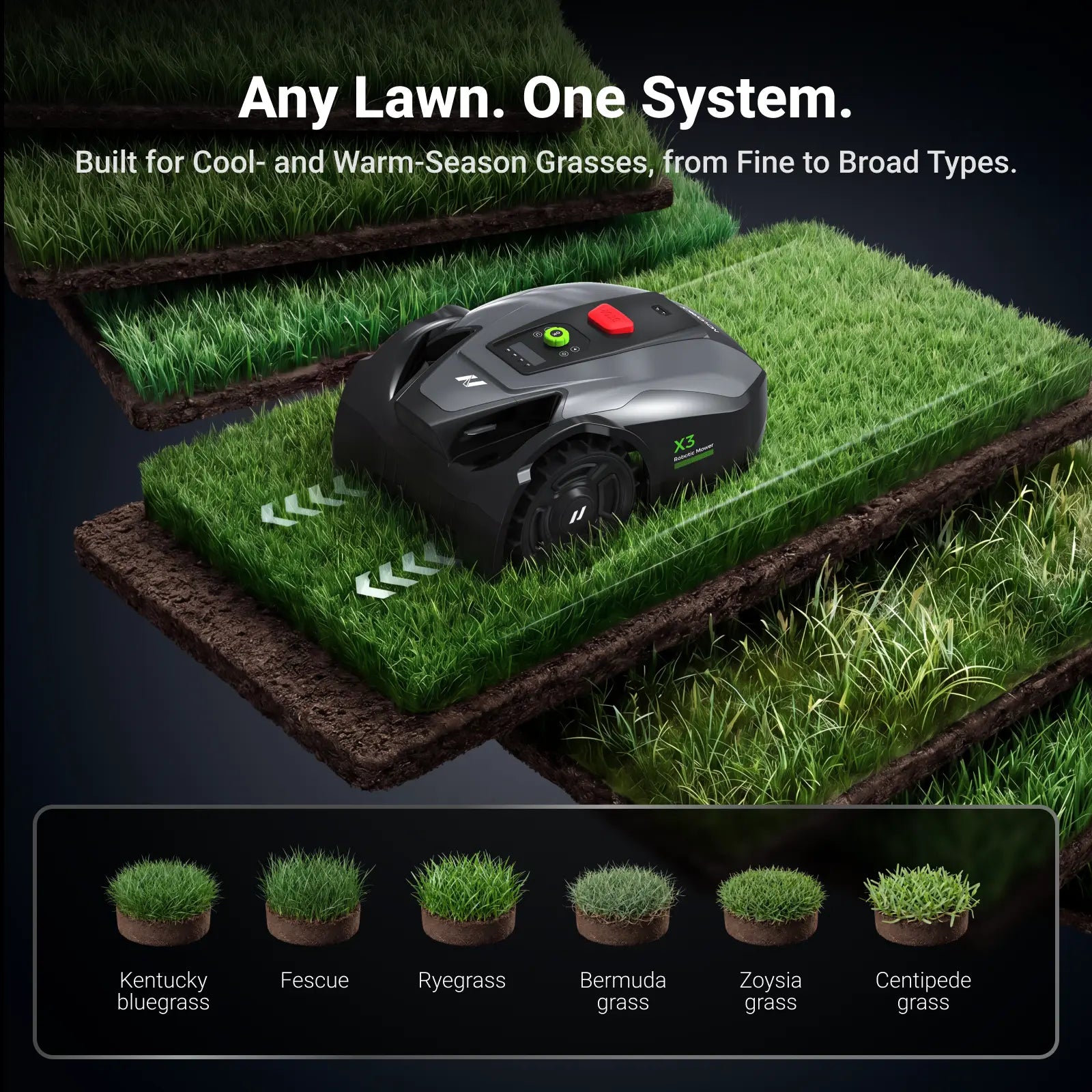
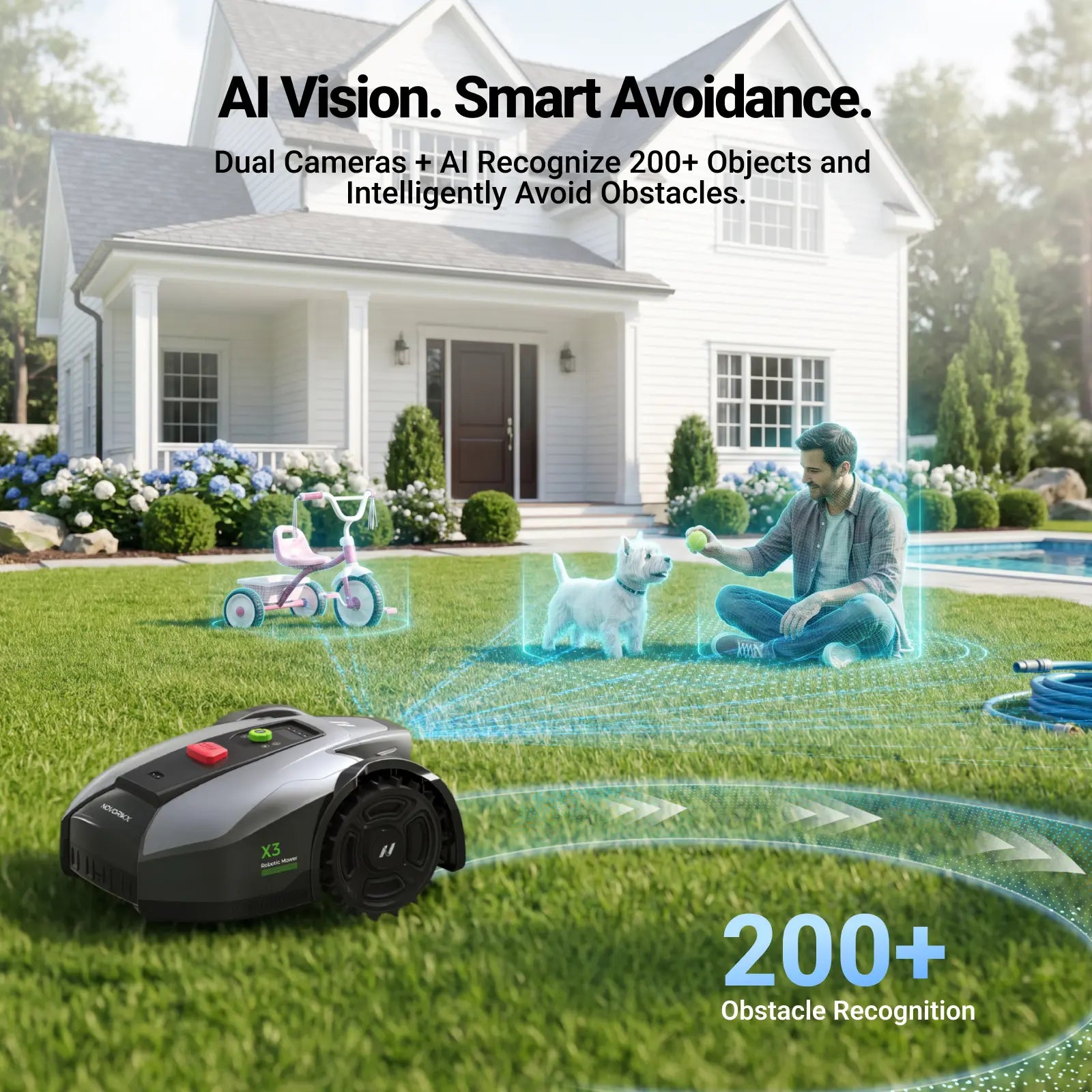
NovorikX X3 uses advanced RTK and AI vision to auto-map your yard with centimeter accuracy. No wire, no limits—set virtual boundaries effortlessly.
Efficient Mowing Performance
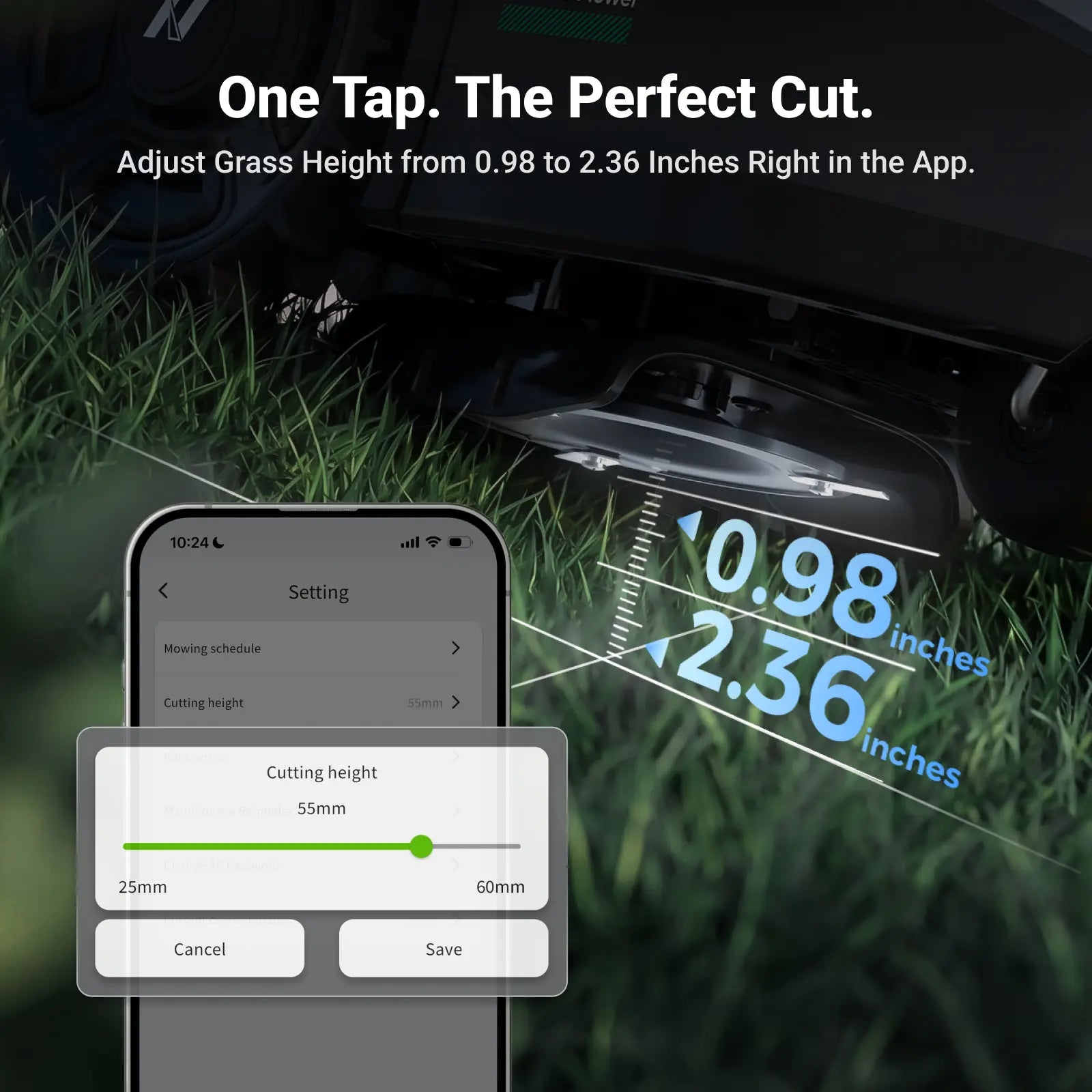
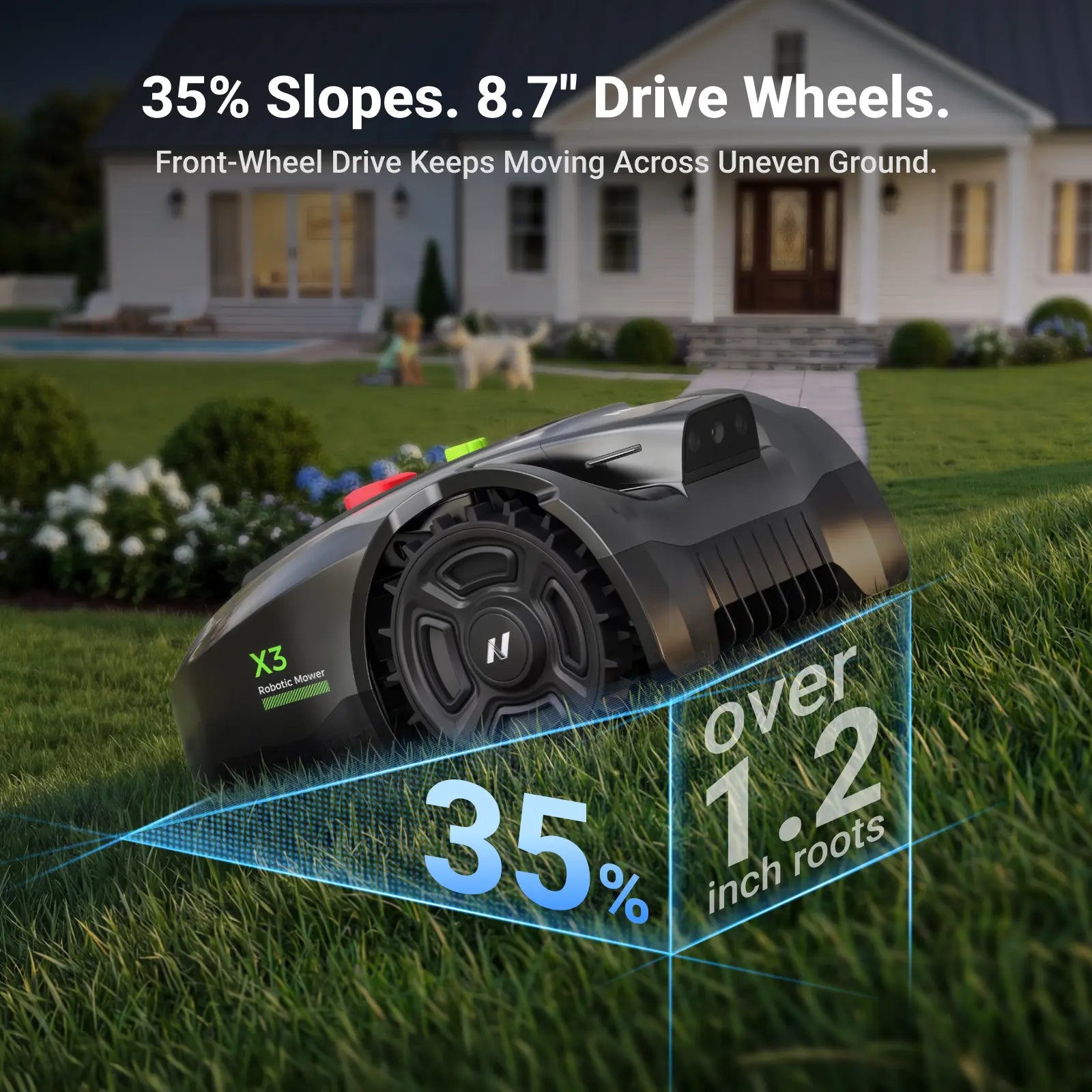
The 7.1" triple-blade cuting disc spins at 2,800 RPM. Handles 35% slopes and 1.18" obstacles. Manage up to 20 zones with adjustable cutting height from 0.98 to 2.36 inches.
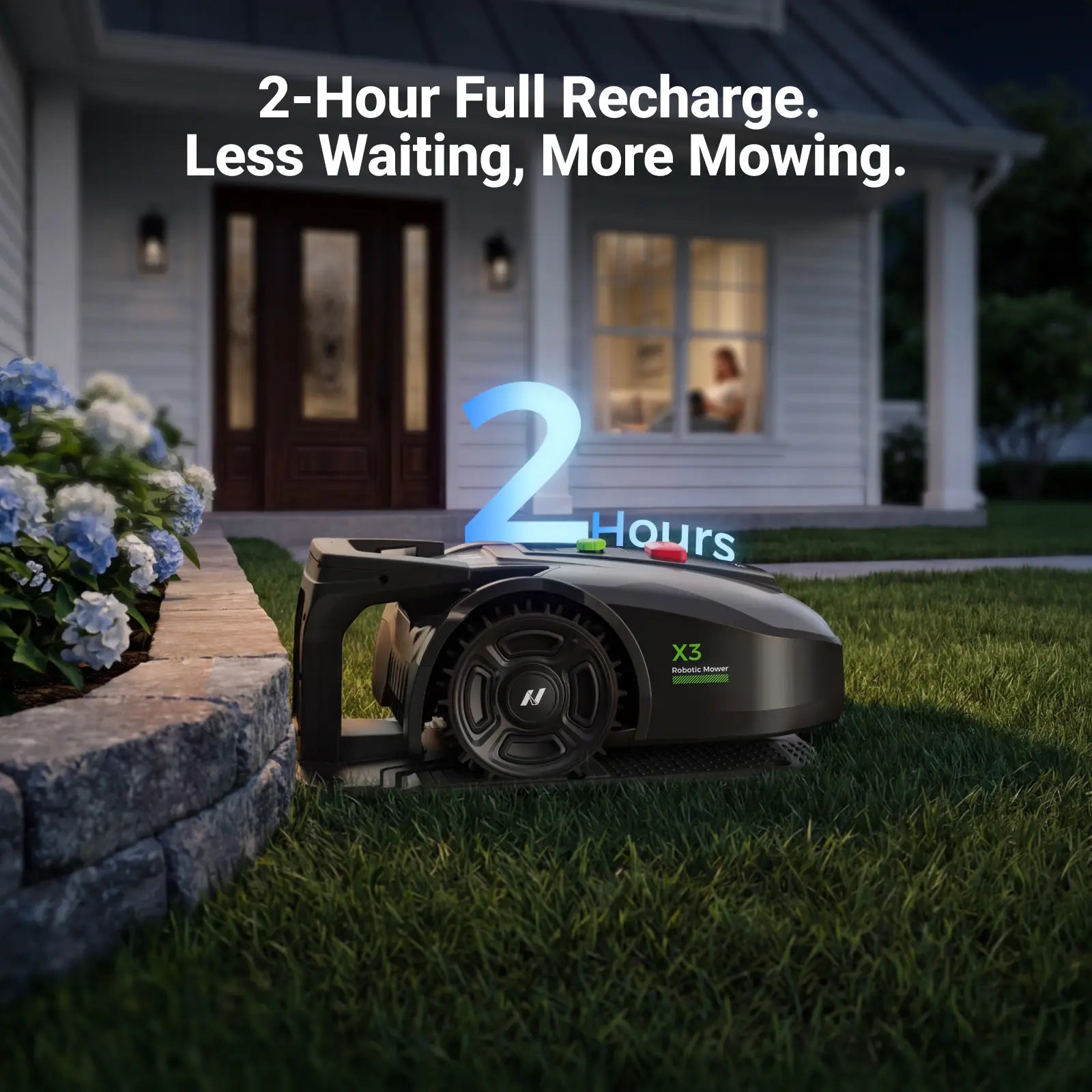
Charge Faster, Mow More
Full recharge in 120 minutes, runs for 2 hours per charge. Get the job done without long waits.
Smart U-Shaped Mowing
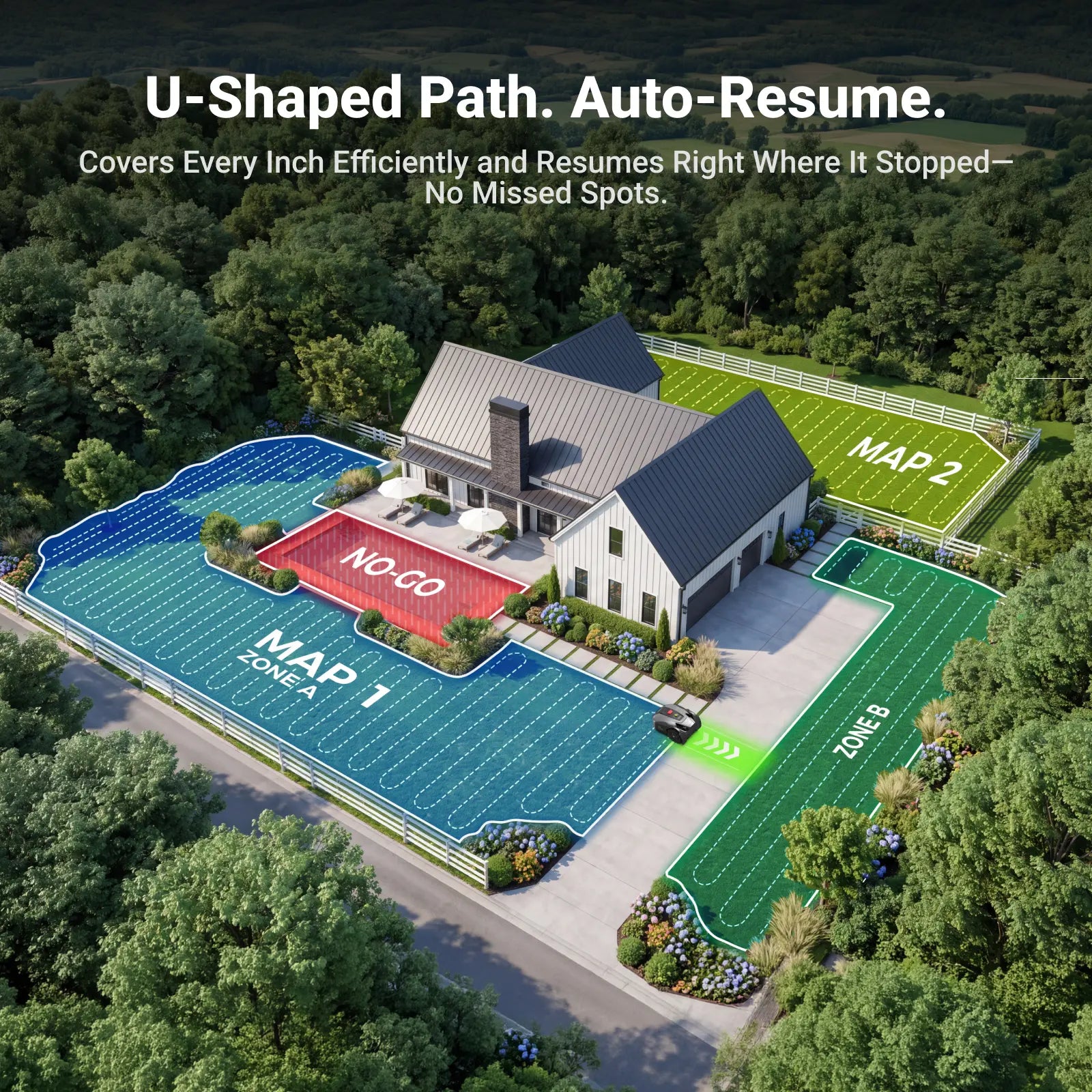
U-shaped path planning delivers even, precise cuts in less time. Auto-dock when low on battery, auto-resume after charging—no duplicate passes.
Smart Security & Advanced App Control
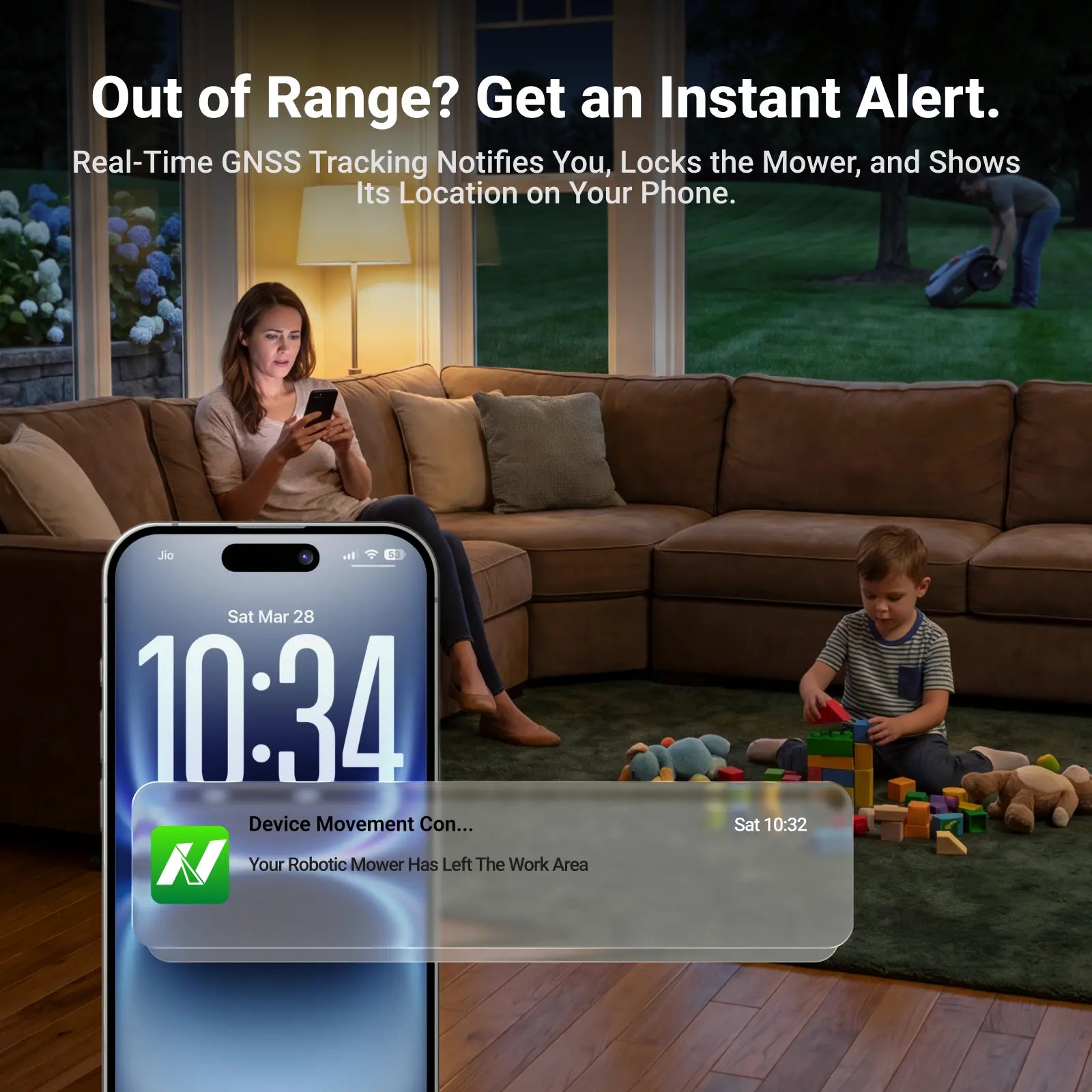
Built-in anti-theft with GNSS tracking sends real-time alerts. Locate your mower from anywhere via the app.
Zero-Worry After Service
Enjoy 30-day money-back guarantee and 3-year limited warranty for complete peace of mind.
Shipment: Free US shipping. Orders are processed in 1–2 business days and typically arrive in 3–7 business days. See the Shipping Policy.
Returns: 30-day return policy. See the Return and Refund Policy.
NovorikX X3 Robotic Lawn Mower
Sale price$799.99
Regular price$999.00
Buy With Confidence
Free US ShippingShips in 1–2 business days
Arrives In 3–7 DaysBusiness-day estimate
30-Day Money BackPolicy-backed support
3-Year WarrantyLimited robotic mower coverage


X3 Performance
Smart Size. Everyday Efficiency.
X3 focuses on reliable wire-free mowing for smaller, simpler yards.
Right-Sized Coverage
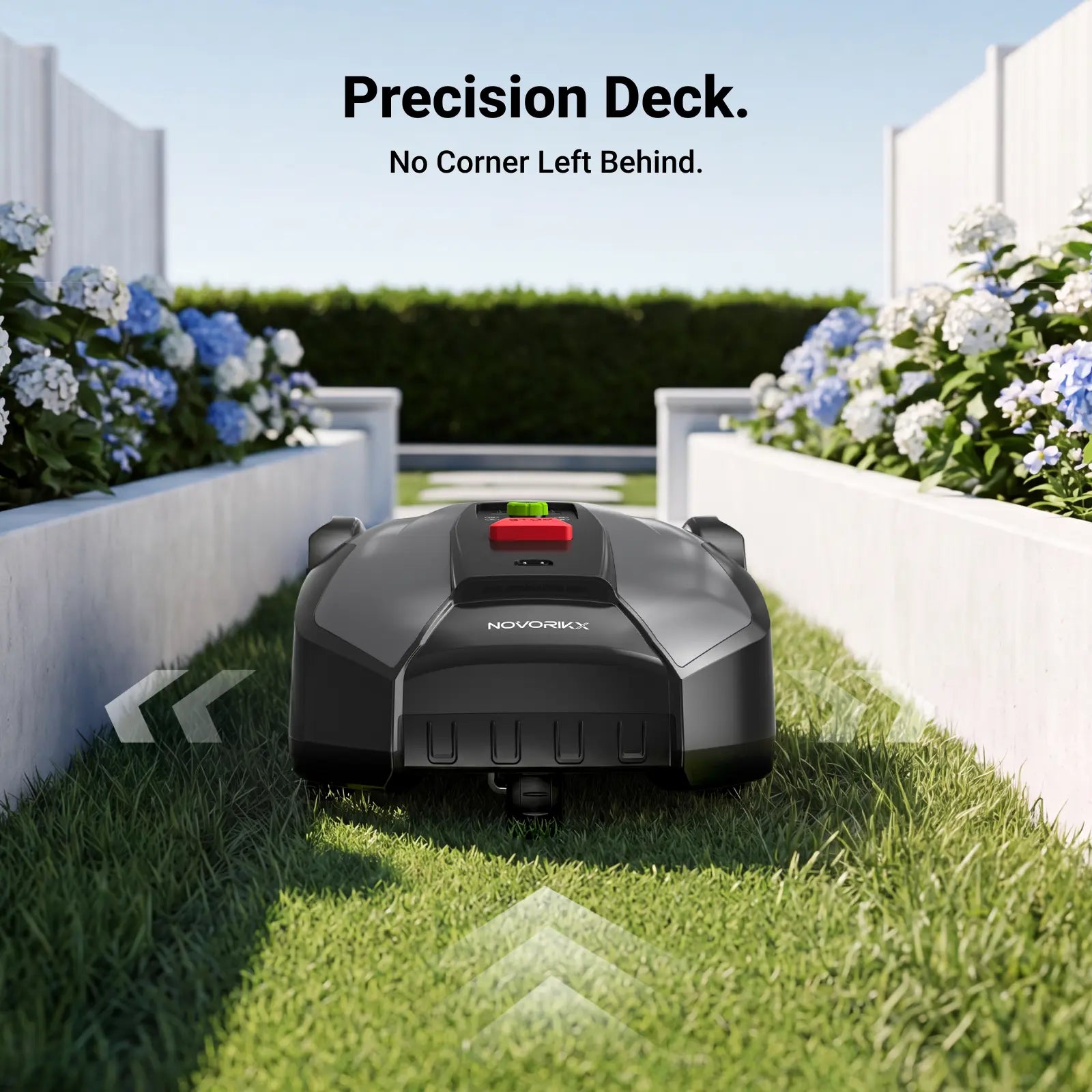
Designed for up to 0.2 acre, ideal for smaller lawns and routine maintenance.
Even Everyday Cutting
The 180mm triple-blade disc runs at 2,800 RPM for clean, consistent results.
Full Zone Control
Manage up to 20 zones with schedules and no-go areas in the app.
X Series
Compare X Series Models
Match coverage, slope, cutting width, navigation, and edge performance to your yard.
| Specification |

Best edge cutting NovorikX X3 ProPrecision edge for complex lawns.
$1,149.99 View X3 Pro |

Entry pickCurrent model NovorikX X3Smart value for smaller yards.
$799.99 Current model | |
|---|---|---|---|
| Positioning | Flagship coverage & power | Precision edge & smart value | Everyday small-yard value |
| Lawn size reference | 1,500㎡ / 0.37 acre | 1,200㎡ / 0.3 acre | 800㎡ / 0.2 acre |
| Cutting width | 240mm (9.4") triple-blade deck | 180mm (7.09") triple-blade disc | 180mm (7.09") triple-blade disc |
| Cutting height | 25–65mm (1.0–2.6") | 25–60mm (0.98–2.36") | 25–60mm (0.98–2.36") |
| Max. climbing ability | 45% | 35% | 35% |
| Precision edge cutting | — | 1cm precision edge | — |
| Navigation | RTK + VSLAM + Dual ToF | RTK + AI vision | RTK + AI vision |
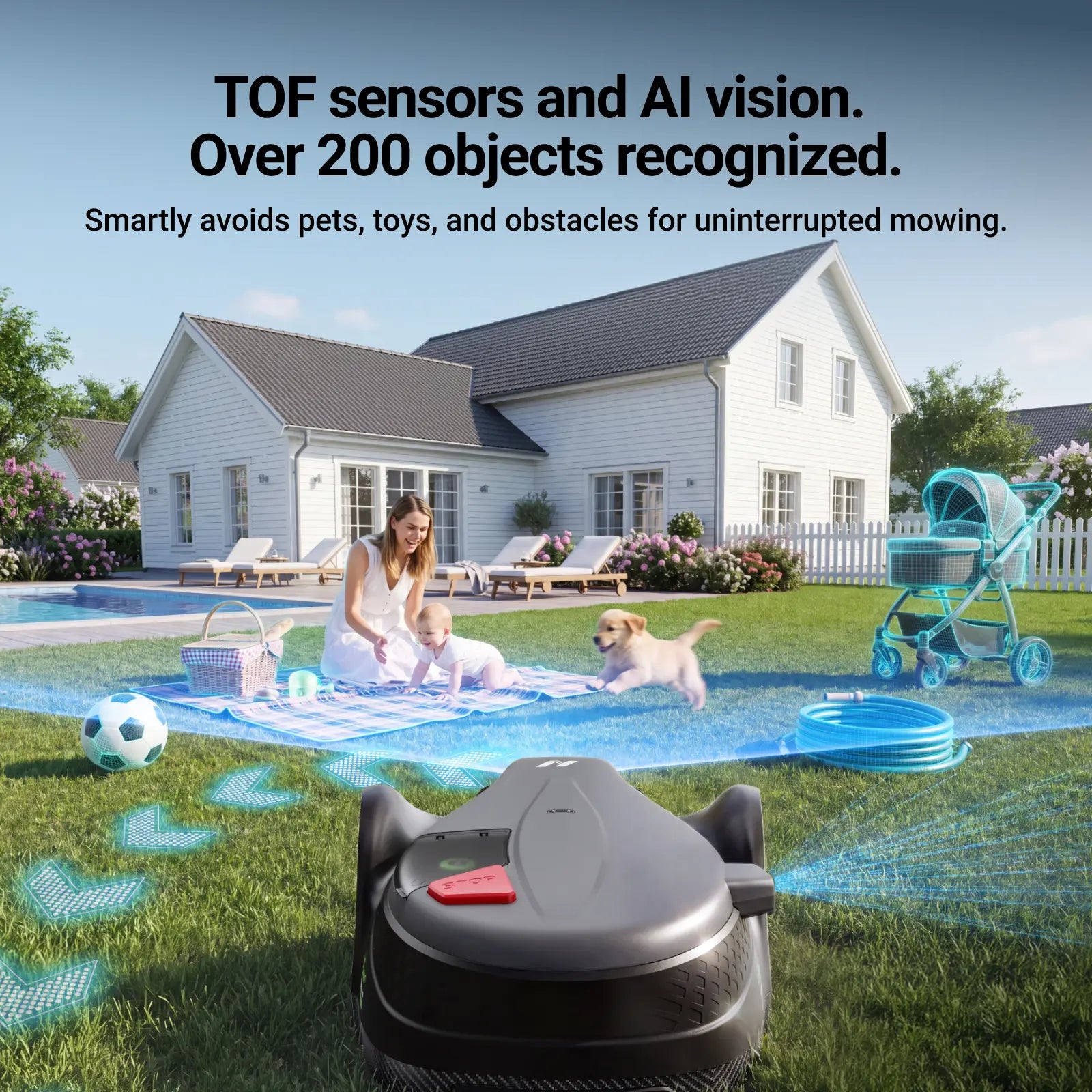
| Obstacle handling | AI Vision + Dual ToF; 200+ objects | AI vision obstacle detection | AI vision obstacle detection |
| Manageable zones | Up to 20 zones | Up to 20 zones | Up to 20 zones |
| Runtime | Up to 2 hours | Up to 2 hours | Up to 2 hours |
| Full recharge | About 120 minutes | About 120 minutes | About 120 minutes |
| Auto dock & resume | Yes | Yes | Yes |
| App & security | App control, anti-theft, GNSS find my mower | App control, anti-theft, GNSS find my mower | App control, anti-theft, GNSS find my mower |

*Figures are based on internal testing and typical use. Actual results may vary with terrain, grass conditions, weather, and setup.
Why Choose The X Series?
See how wire-free robotic mowing compares with traditional ownership.
| What Matters | NovorikX X Series | Gas Mower | Wired Robot Mower |
|---|---|---|---|
| Cutting method | Automated RTK + AI-assisted mowing | Manual operation | Automated inside boundary wire |
| Setup | Virtual boundaries and app mapping | No fixed installation | Perimeter wire required |
| Terrain range | Up to 45% climbing by model | Depends on operator | Often limited by slope and wire layout |
| Noise and emissions | Electric cutting, zero direct emissions | Louder, has direct emissions | Electric cutting, zero direct emissions |
| Control | App zones, schedules, and tracking | Manual passes | App control varies by model |
| Upkeep | No gas or oil; replace blades as scheduled | Fuel, oil, plugs, and filters | Blades and occasional wire repairs |
Specifications
- Lawn size reference
- 800㎡ / 0.2 acre
- Cutting width
- 180mm (7.09 inches)
- Cutting performance
- 2,800 RPM triple-blade disc
- Cutting height
- 25–60mm (0.98–2.36 inches)
- Max. climbing ability
- 35%
- Navigation
- RTK + AI vision
- Manageable zones
- Up to 20
- Runtime
- Up to 2 hours
- Full recharge
- About 120 minutes
- Warranty
- 3-year limited warranty
What's In The Box
- X Series robotic lawn mower
- Charging station and power supply
- RTK station and antenna
- Cutting blades
- Quick-start guide
Download
Manual Download


Buying Questions
How is X3 different from X3 Pro and X1?
X3 covers up to 0.2 acre and is the lightweight entry point to the X Series. X3 Pro adds 1cm precision edge cutting, while X1 increases coverage, cutting width, and climbing ability.
How does mapping work?
X Series mowers use RTK with AI-assisted vision to map virtual boundaries with centimeter-level accuracy—no boundary wires required.
Can it avoid obstacles?
X3 and X3 Pro use AI vision obstacle detection. X1 adds Dual ToF and recognizes over 200 lawn objects for faster detection and smoother mowing.
How long does the battery run?
The mowers run for up to 2 hours per charge and recharge in about 120 minutes. Actual coverage varies with grass condition, terrain, and schedule.
What warranty is included?
X Series robotic mowers include a 3-year limited warranty and a 30-day money-back guarantee. See the product warranty card for full details.
What is the return policy?
NovorikX offers a 30-day return policy. See the full Return and Refund Policy.
You may also like