


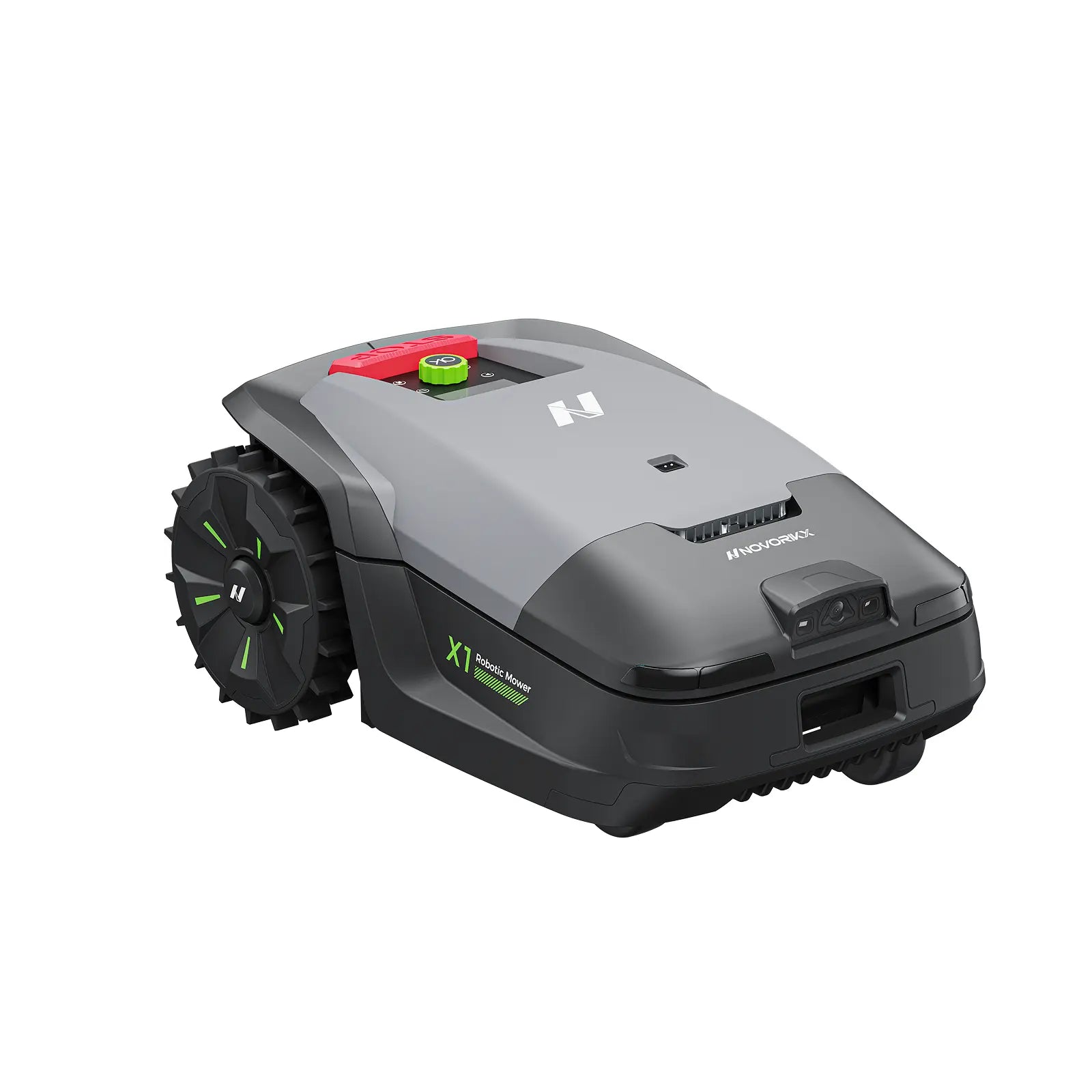




NovorikX X1 Robotic Lawn Mower
- Up to 1,500㎡ coverage (max 2,000㎡ in good conditions)
- Smart Assisted Mapping – wire-free setup
- Auto-recharge & resume for true hands-free use
- Full app control with up to 20 zones
- Handles slopes up to 35%
Choice


Payment Method
NovorikX, Built with Care
Free Shipping Within the United States
3-Year Limited Warranty
30-Day Money-Back Guarantee
24/7 Local Customer Support
NovorikX X1 – Wireless, All-Day Precision Mowing
With centimeter-level accuracy, NovorikX X1 auto-maps your yard even in complex layouts, harsh light, or light fog. No wires, no limits.
AI-Vision + Dual ToF: 200+ Obstacle Recognition
Recognizes over 200 lawn objects—from trampolines to small stones—for faster detection and safer, smoother mowing.
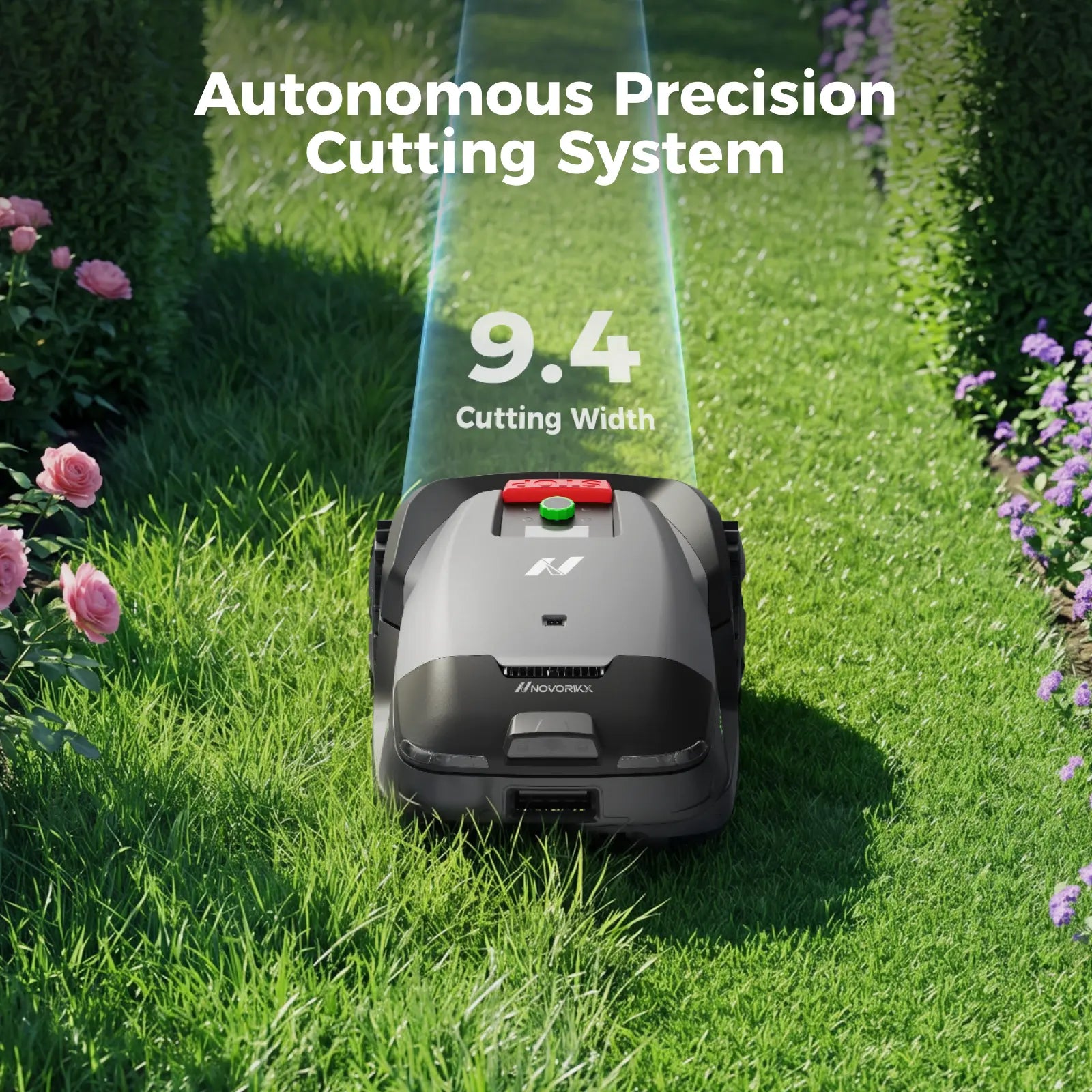
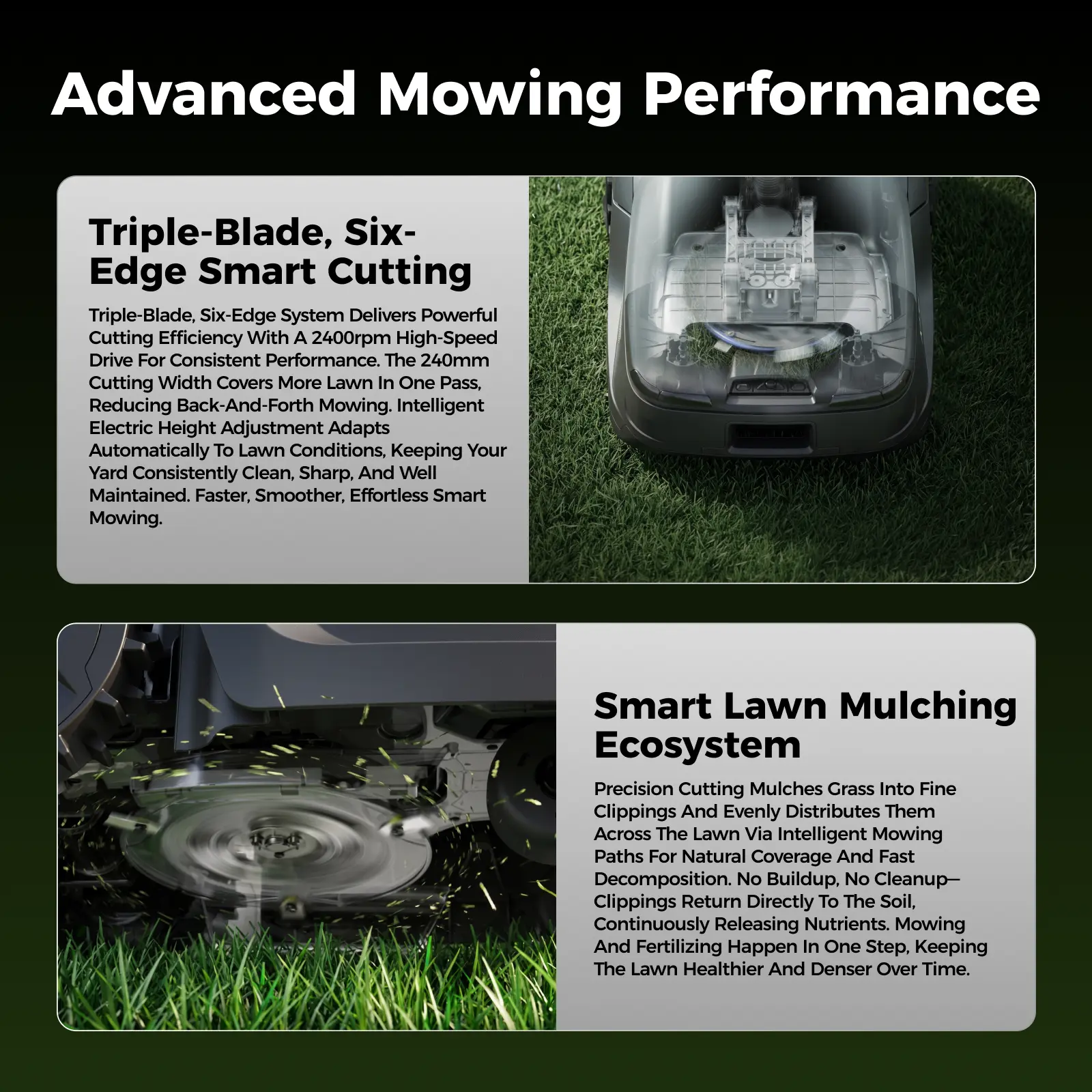
Efficient, Powerful, One-Go Mowing
The 9.4” triple-blade deck spins at 4,000 RPM, covering 15% more ground per pass. Tackles 45% (24°) slopes, roots, and furrows with 220mm rear wheels that roll over obstacles up to 1.18” high. Set personalized schedules for up to 20 zones. Cutting height adjusts from 1 to 2.5 inches—handles over 90% of residential lawns.
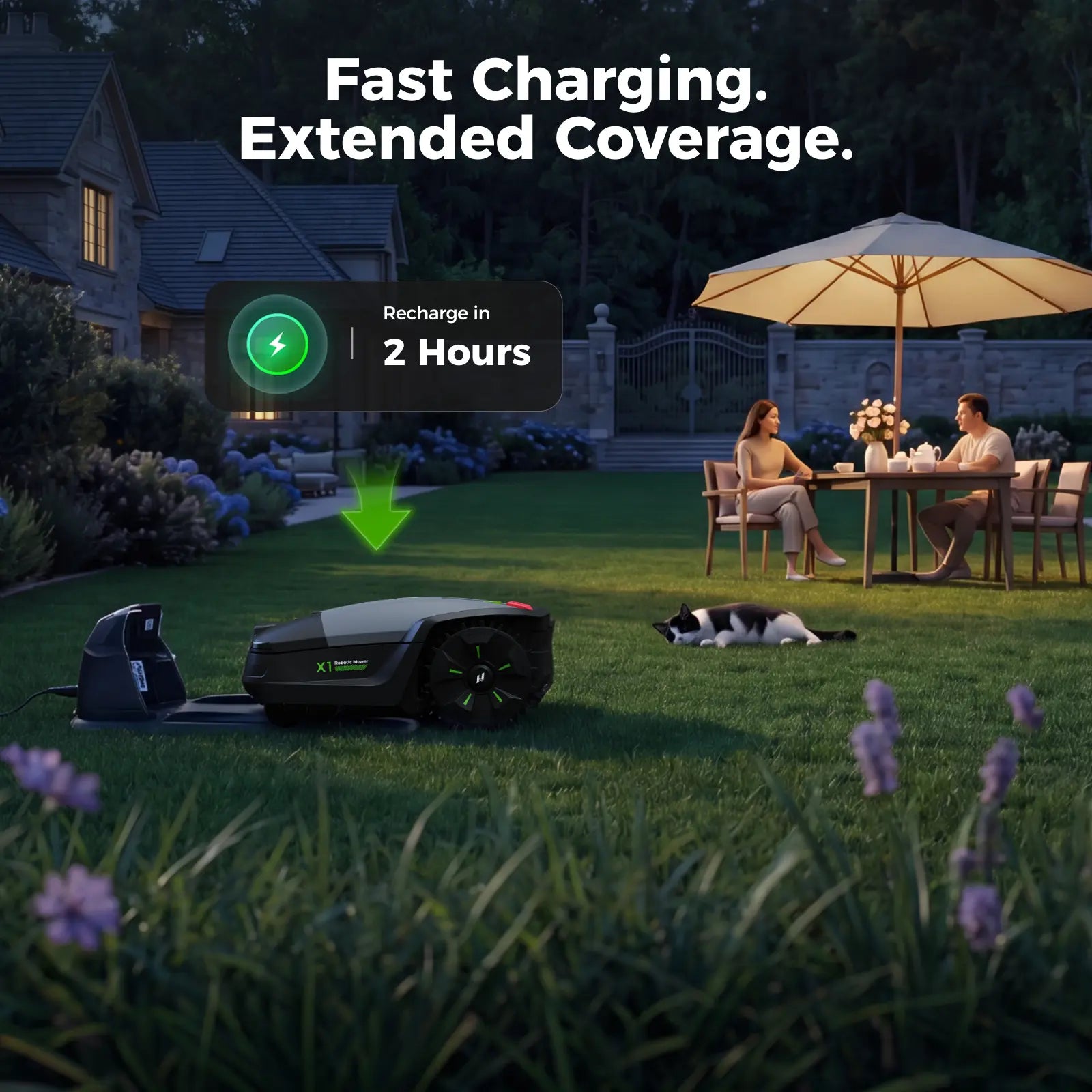
Charge Faster, Mow More
Full recharge in 120 minutes. Runs for 2 hours, mowing up to 0.4 acre per day.
Smart U-Shaped Mowing for Full Coverage
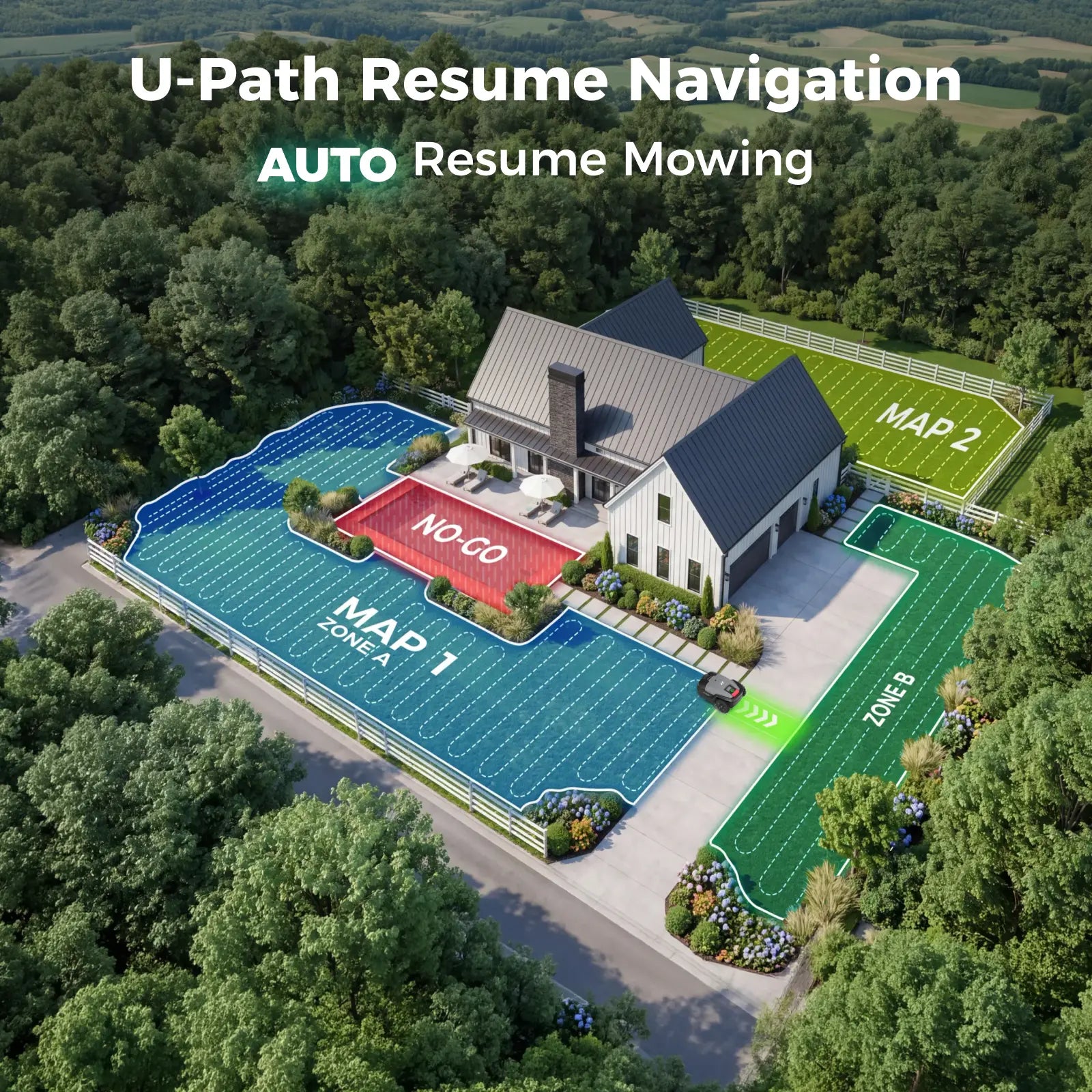
U-shaped path planning delivers even, precise cuts in less time. Auto-docks when low on battery, auto-resumes from where it stopped—no duplicate cuts.
Smart Security & Advanced App Control
Built-in Anti-Theft & Find My Mower with GNSS sends real-time notifications to locate your mower via app. Stay informed, even miles away.
Built for Any Weather
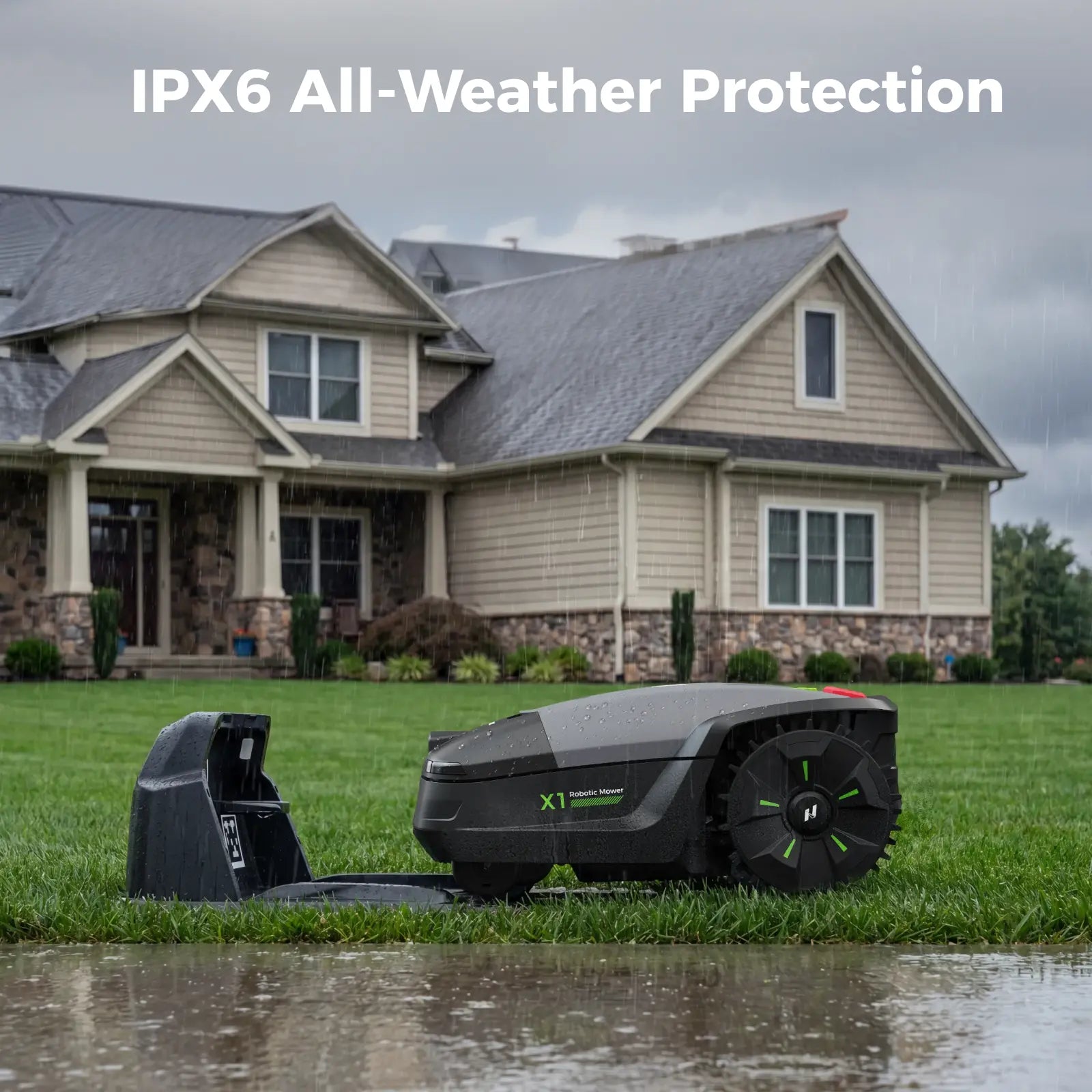
ASA material resists UV aging and outdoor temperatures from 14°F to 122°F. Quiet 59 dB operation won’t disturb neighbors. IPX6 waterproof rating stands up to rain, sprays, and pressure washes.
NovorikX X1 Robotic Lawn Mower
Sale price$1,799.00
NovorikX X1 Robotic Lawn Mower
$1,799.00
$1,799.00
Most robotic mowers promise "set it and forget it." Reality is different.
Complex yards reveal the real challenges: difficult setup, frequent interruptions, and unreliable performance that turns convenience back

Frequent Stuck

Poor Reliability
You need fewer problems.
You don’t need more features.
Handles real terrain.
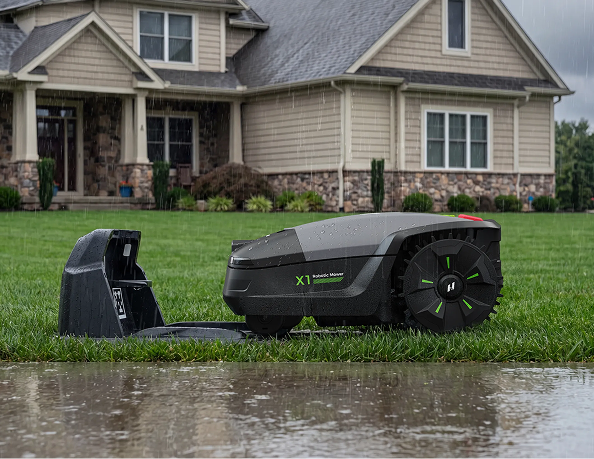
Stays reliable, week after week. Even when you're away.
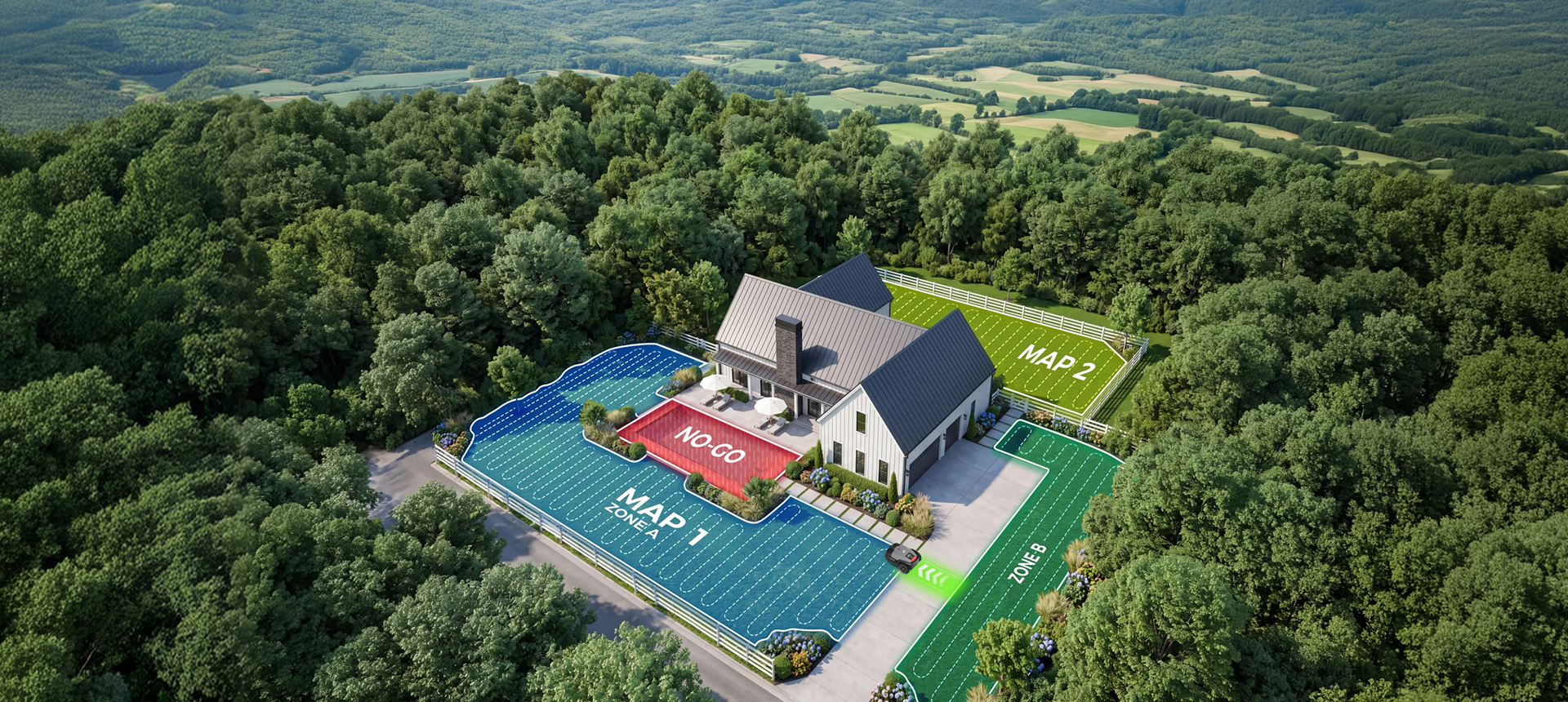
Auto-resume after charging or interruption.

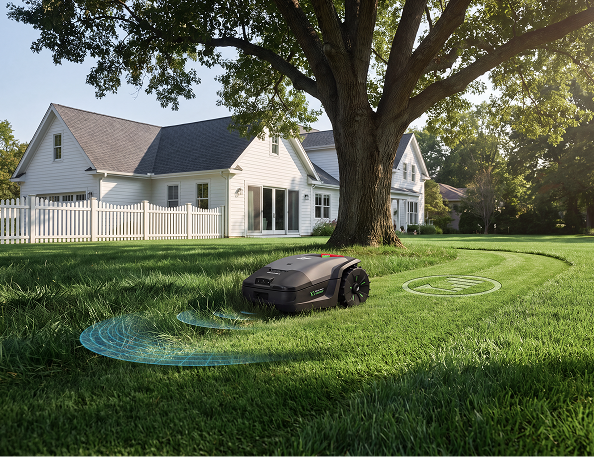
Reliable positioning even under trees and near walls.

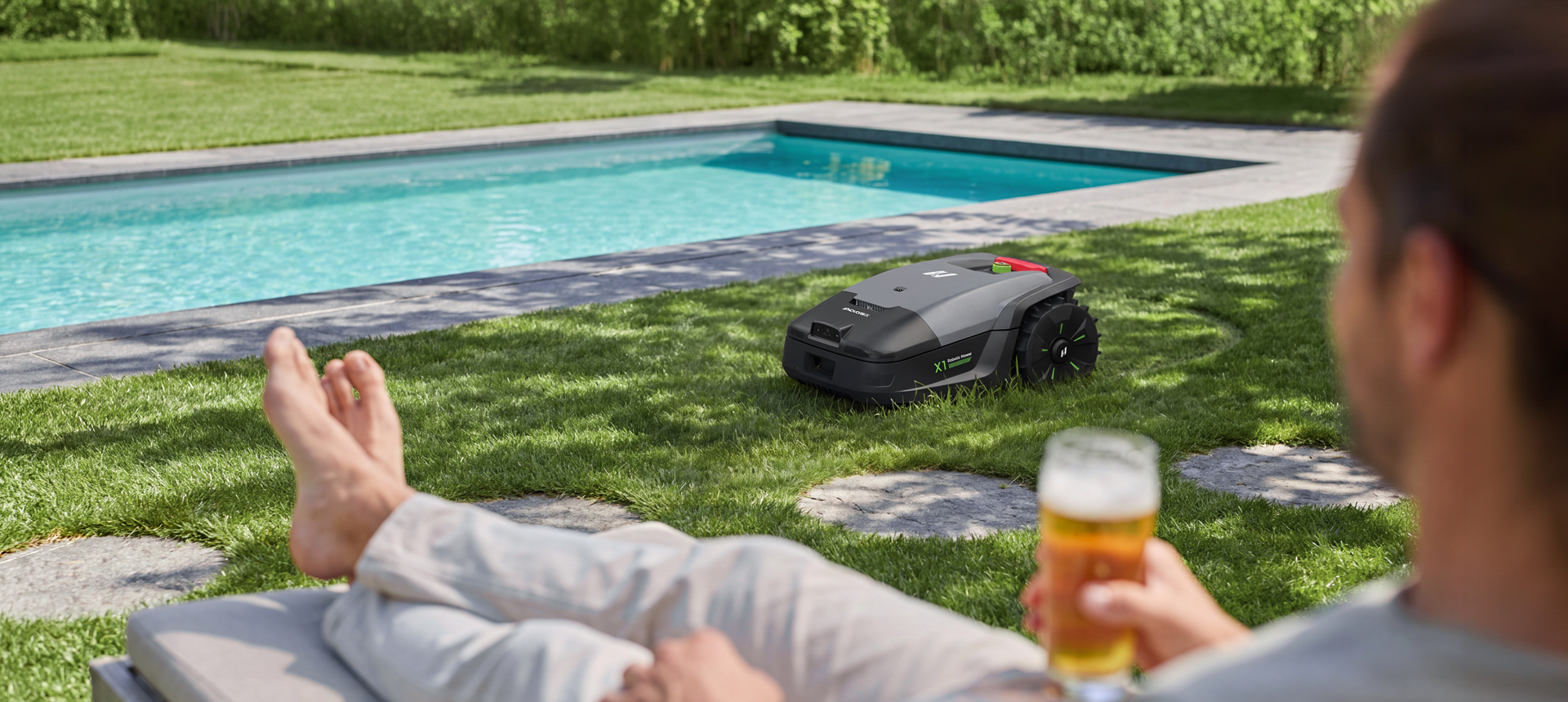
Ready for a large-lawn solution that actually stays out of the way?
X1 is built for homeowners who want fewer problems, not more features.
What's in The Box
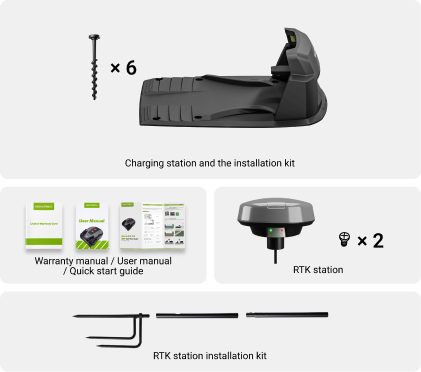
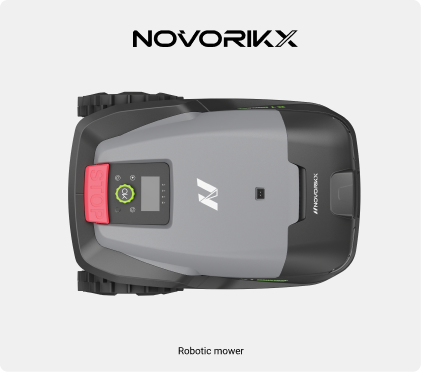
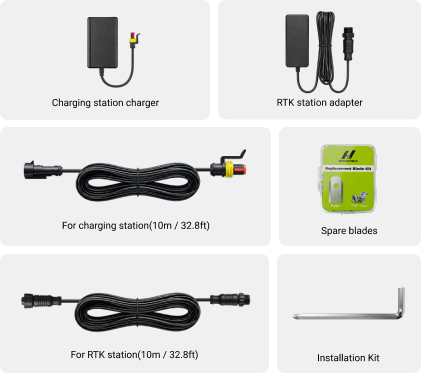
Specifications

NovorikX X1
Every Inch. Conquered.
$1,799
Learn More
240mm (9.4inch)
Cutting Width
1500㎡
Lawn Size Reference
25~65mm (1.0~2.6inch)
Cutting Height
45%
Max. Climbing Ability
/
Precision Edge Cutting

NovorikX X3 Pro
Every Edge. Perfected.
$1,449
Learn More
180mm (7.09 inch)
Cutting Width
1200㎡
Lawn Size Reference
25mm-60mm (0.98-2.36 inch)
Cutting Height
35%
Max. Climbing Ability
1cm Edge
Precision Edge Cutting

NovorikX X3
Smart Care. Simplified.
$999
Learn More
180mm (7.09 inch)
Cutting Width
800㎡
Lawn Size Reference
25mm-60mm (0.98~2.36 inch)
Cutting Height
35%
Max. Climbing Ability
/
Precision Edge Cutting
Download
Manual Download


Frequently Asked Questions
If the grass is thick or taller than 15cm (5.9in), manually trim it to 25–60mm (0.98–2.36in) first. Remove unwanted low plants manually before mowing. For plants you want to keep, set the area as a No-Go Zone in the app.
Full coverage is ideal. If not possible, ensure Wi-Fi reaches the RTK station and charging station. This allows OTA updates and information sharing.
- On the app homepage, tap the "+" button in the top right corner.
- Activate Bluetooth by long-pressing "START" on the mower for 5 seconds.
- Select the correct Bluetooth of your mower.
- On the Wi-Fi settings page, select your home Wi-Fi, enter the password, and confirm.
- Go to Settings → Wi-Fi connection on the paired mower.
- Long-press "START" for 5 seconds to activate the mower.
- Select the most recent Wi-Fi network, enter the new password, and confirm.
For first use: After connecting to home Wi-Fi, you will automatically go to the binding page → press "Bind". If no home Wi-Fi: Press "No Wi-Fi / Go Online via 4G" → then bind again.
Go to the "Maps" page by clicking the product on the homepage. Choose "Create a new map" and select the correct home Wi-Fi. Pick the map type. Ensure the RTK signal is connected and battery power is above 50%.
You can move the charging station before mapping. Once the map is finished, both the charging station and RTK station must stay in place. Moving them will prevent the mower from returning and working properly. If you move the RTK station after map creation, you must create a new map.
On the "Maps" page, select the map you want to edit, rename, or delete.
Yes, the mower can pass through narrow pathways wider than 1.2 meters (3.94 ft).
Typically suitable for areas from 500m² to 800m² (5382 ~ 8611 sq ft).
Refer to Section 3.3 "Install the RTK Station" – choose a correct location with open sky and no obstructions.
Go to Settings on the homepage → click "Delete device" to delete/unbind the mower.
Pressing "STOP" puts the mower into stop mode. To restart, press "Start" and "OK" together on the control panel.
You will receive notifications in the app when new updates are available.
Every 240 working hours (1-2 months if used frequently), or at least once a year. Replace screws together with blades – do not reuse screws. The app will send a reminder notification.
Yes, but ensure all screws are tightly secured before cleaning. Use a regular water hose – avoid high-pressure water to prevent damage.